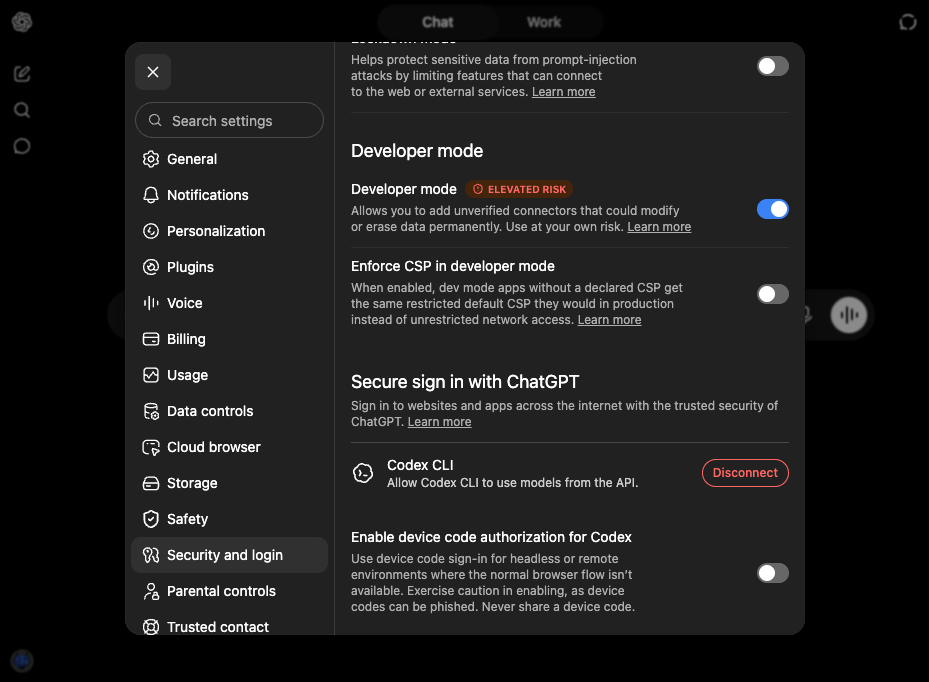

Adding custom MCP servers may require Developer mode to be enabled. If
you don’t see the plugin screens below, see the
supplementary section at the end of
this page.
1. Add the plugin
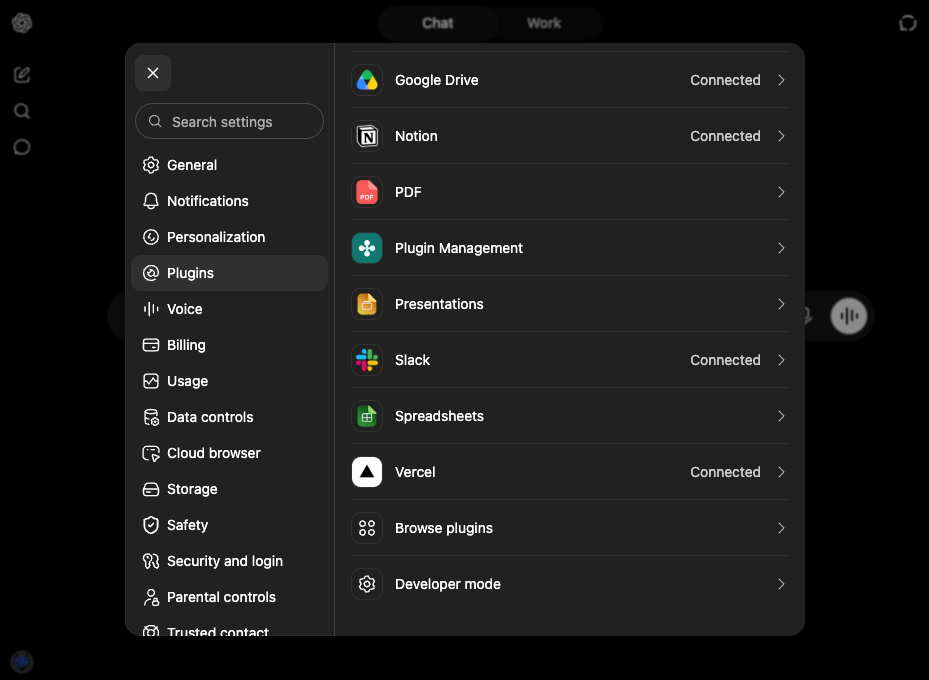
- Open Browse plugins from Plugins in Settings
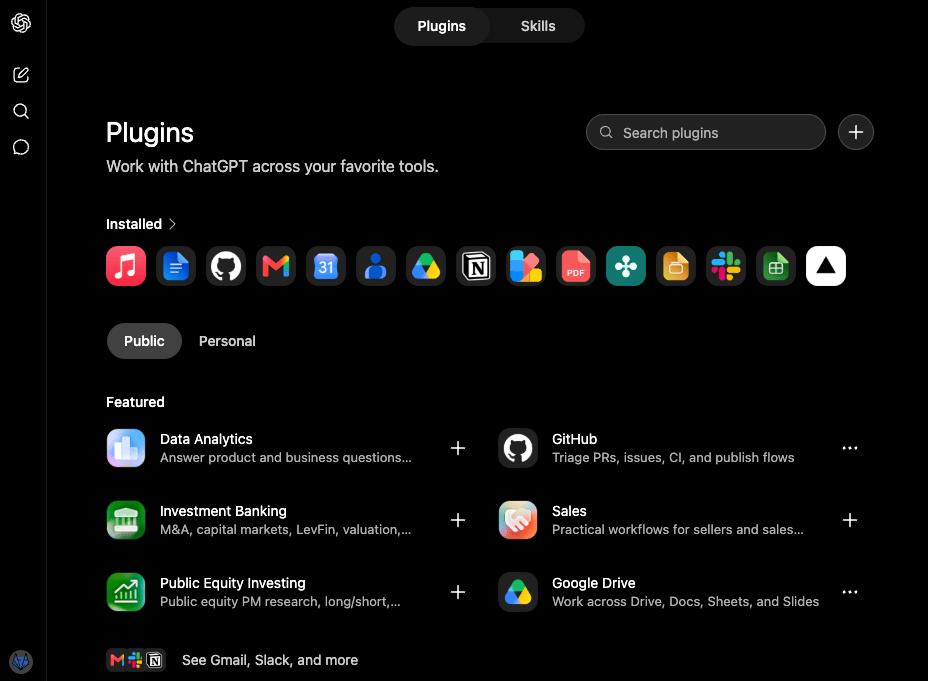
- Click + at the top right of the Plugins page
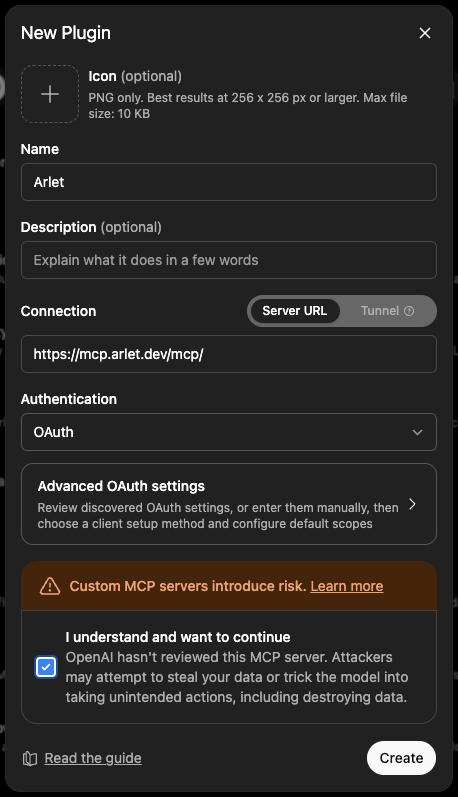
- Fill in the New Plugin form:
- Name:
Arlet - Connection: select
Server URLand enterhttps://mcp.arlet.dev/mcp/ - Authentication:
OAuth
- Name:
- Check the risk acknowledgement (I understand and want to continue) and click Create
2. Authentication
- Open the Arlet plugin you created and click Sign in with Arlet
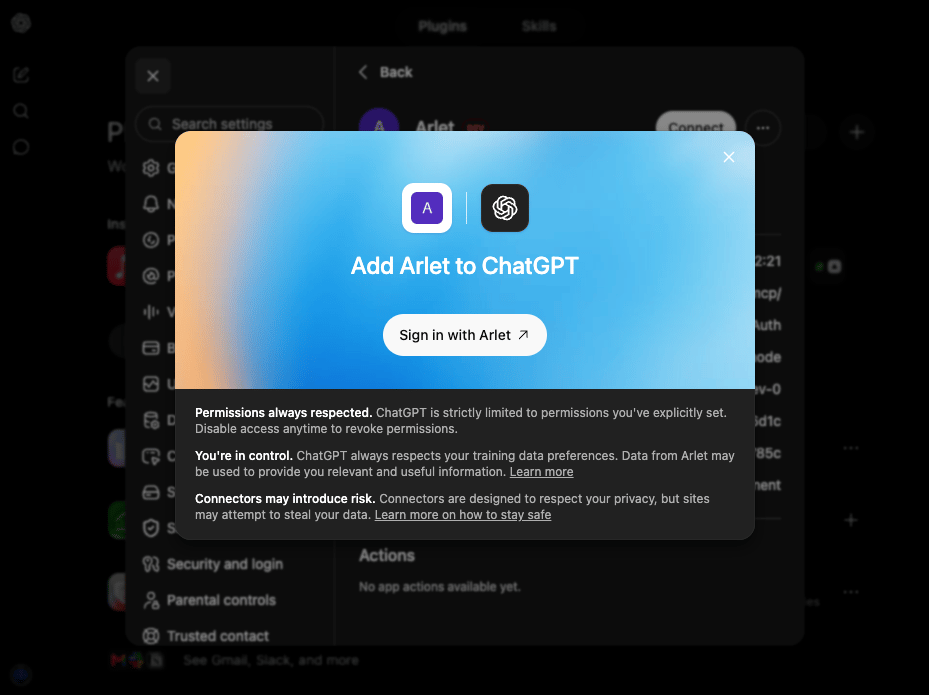
- Arlet’s sign-in screen opens — sign in with Google
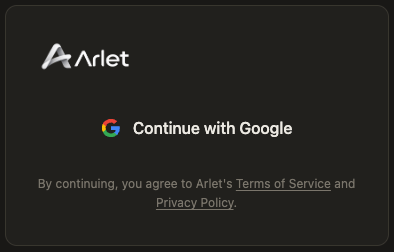
- Click Allow on the permission screen to complete the connection
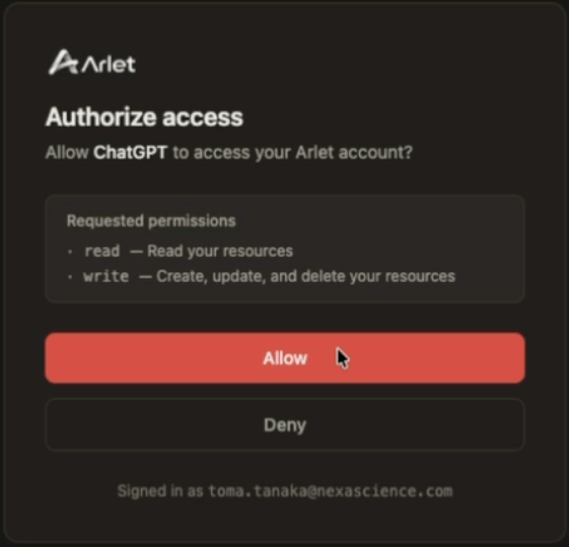
Supplementary: Enable Developer mode
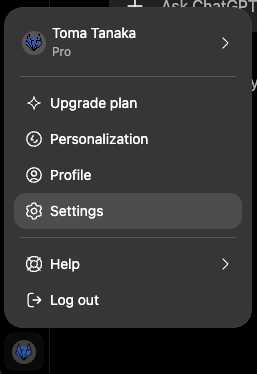
If the plugin screens (Plugins in Settings) are not visible, enable Developer mode first.- Sign in to ChatGPT and click your account icon at the bottom left
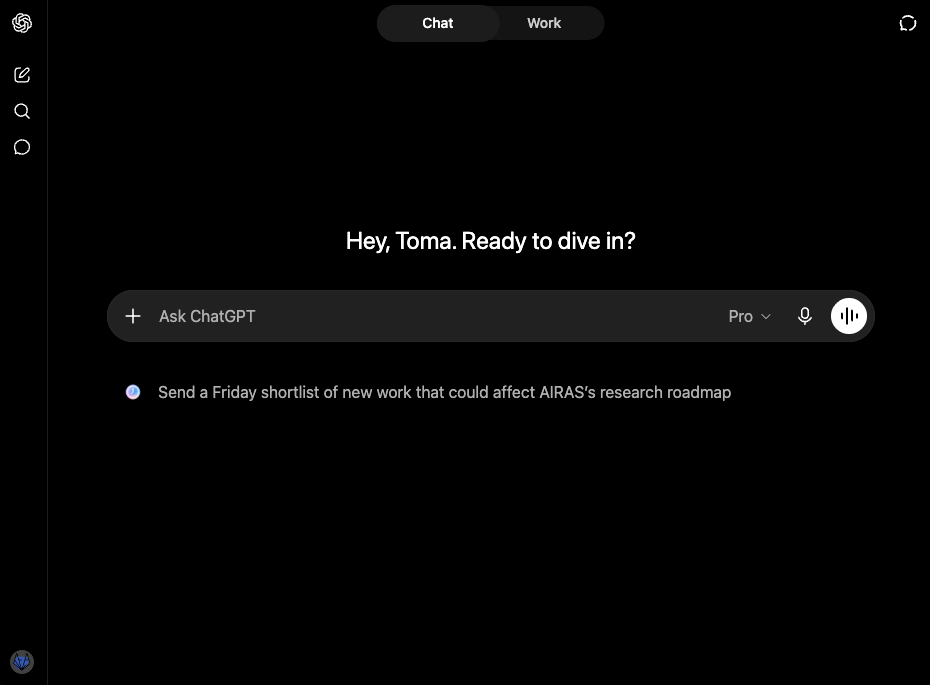
- Open Settings from the menu
- Turn on Developer mode under Security and login